
Congratulations on being selected to speak at the DHIS2 2026 Annual Conference!
We are excited that you will be joining us in Oslo to participate in our biggest event of the year. This Presenter Guide contains some important information that will help you prepare for the conference, and some tools for promoting your session on social media.
In this guide, you will find shareable graphics, videos, and social media posts. Please start with the directions below:
Step 1
Please log on to our conference registration site and complete your profile. At minimum, upload your photo into your profile, and add your professional title and the name of your organization. This is an important step, as we will use this information to promote your sessions on social media.
Step 2
Prepare your presentation. This section does not apply to you if you have a poster presentation.
- Please send your completed presentation to the UiO coordinators (cc: oslo2026@dhis2.org) in PowerPoint format by 25 May. Once we receive the presentation files from you, we will upload them on the Annual Conference platform.
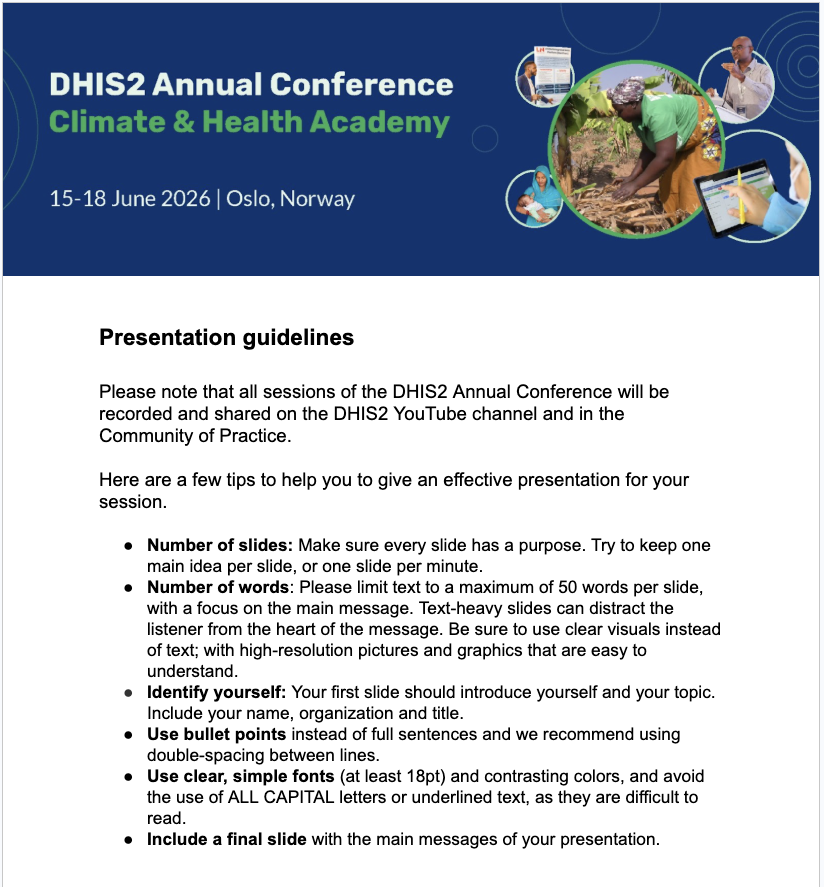
- Kindly note that live sessions will be recorded and published on the DHIS2 YouTube channel as well as on our DHIS2 Annual Conference platform following the event. To help us get the best results with your recorded presentation, please review these useful guidelines.
Step 3
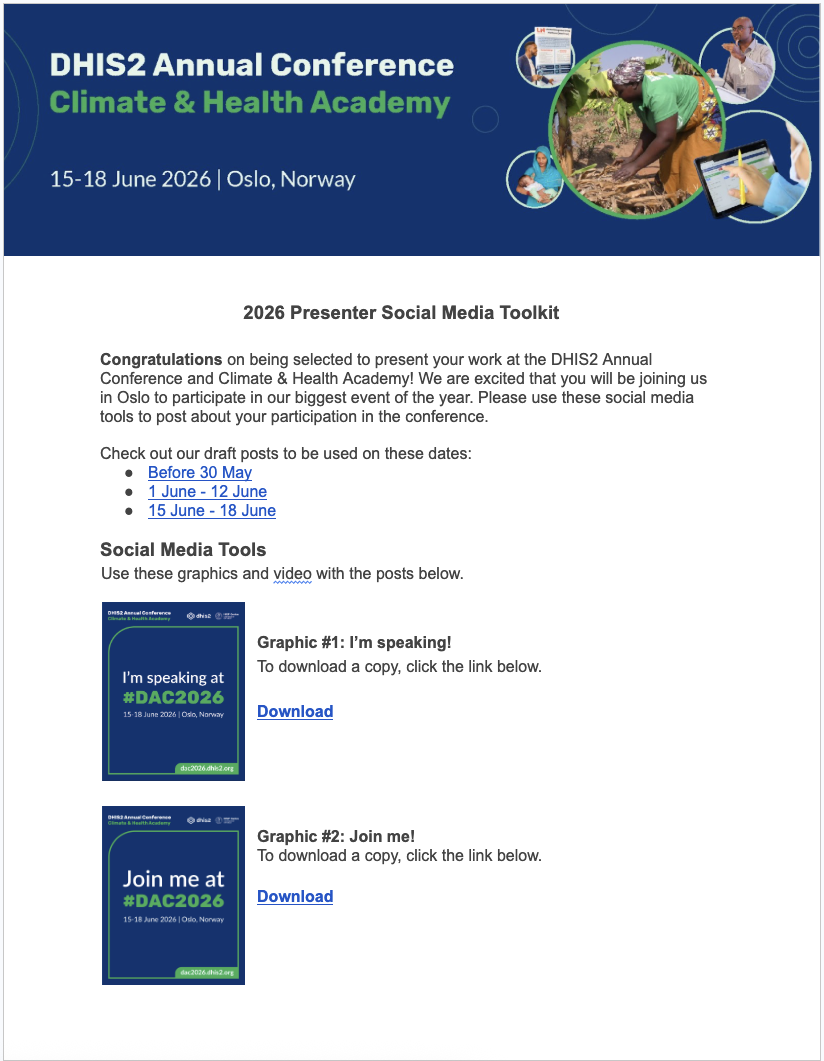
Please review our Social Media Toolkit for conference presenters, and plan to share 2-3 different posts on social media in May and June (don't worry - we've provided examples for you). This is a great way to promote your sessions, and to be involved in online conversations about the benefits of attending or speaking at the DHIS2 Annual Conference.
Step 4
Add your sessions to your conference calendar.
- Make sure to identify the sessions where you are speaking and add them to your calendar on the conference platform. Just click on your profile overview (at the top right of the screen), select "Sessions I'm Speaking/Moderating At," then select the correct session and click on "Add to Calendar."
- In addition, you can also create your own customized conference schedule by selecting the sessions you would like to attend as a participant. You just need to click on any session you are interested in, then click on "Add to my Schedule."
Step 5
If you have submitted an abstract during the Call for Abstracts, update your abstract post on the Community of Practice.
- The Community of Practice (CoP) is where DHIS2 experts, researchers, and users share resources, experiences, knowledge and news about DHIS2. We invite you to post a short summary of your presentation on the CoP. This will enable participants to ask you questions or post comments in advance, and help people find and learn from your presentation after the conference is over.
- When your abstract has been published on the Community of Practice:
Go to your abstract page on the CoP, click on "Reply," and add a comment with details about your presentation at the conference.
Example: "I am looking forward to presenting this information at the annual conference on (date) at (time). Please share any questions you have by commenting below, and I will make sure to address them during my presentation."
Step 6
If you have not submitted an abstract during the Call for Abstracts:
- First, log in or create your account here, then click on "+ New Topic'' to create a new discussion thread. Kindly find more guidance on how to create a "New Topic" here.
- Add the following information related to your presentation:
Category: Please select Implementation
Tags: Please select the following tag DAC2026
In your text, we recommend that you include:
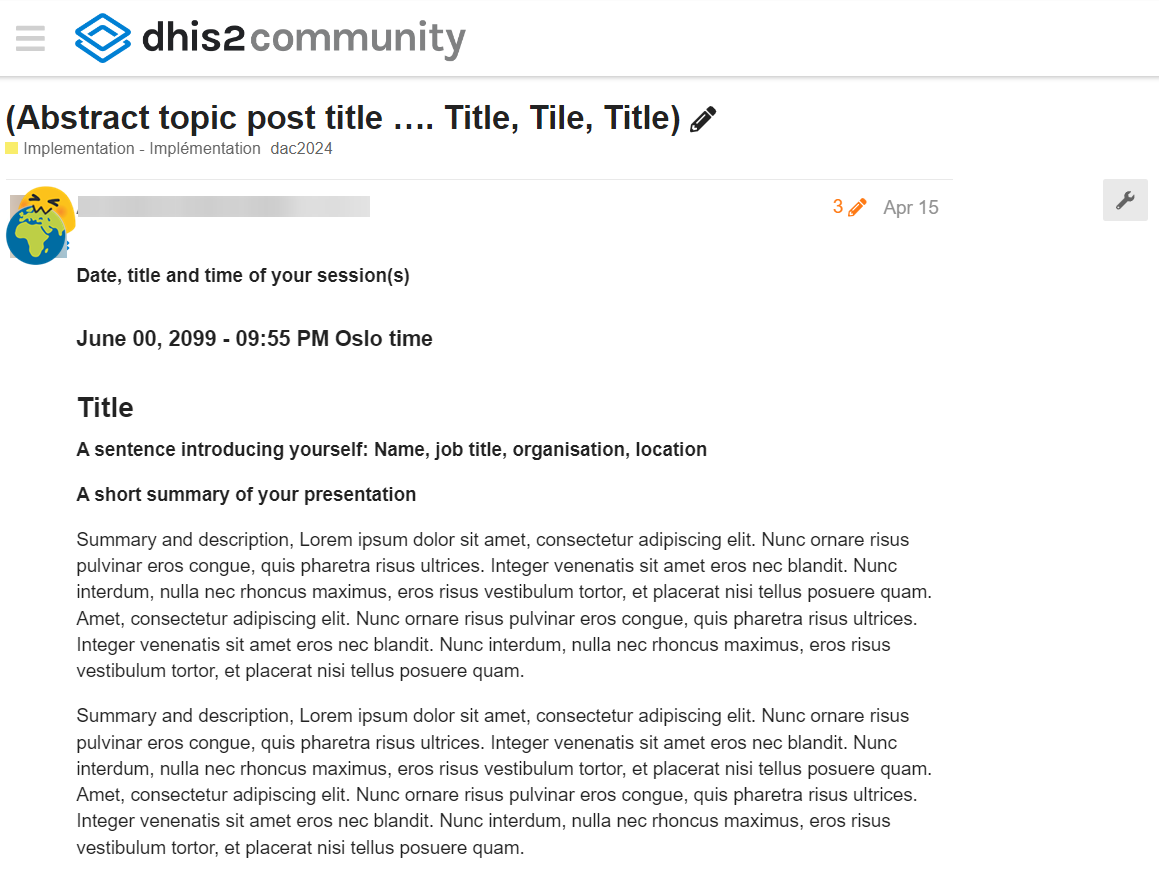
Date, title and time of your session(s)
A sentence introducing yourself: Name, job title, organization, location
A short summary of your presentation
See the image below for an example of a speaker post on the CoP:
Step 7
Review these other useful links:
- After the Annual Conference, each recorded session will be shared on the DHIS2 YouTube channel, on the CoP, and on the session tab in the Annual Conference agenda.
- Do you need a visa or accommodation? Find information here: Travel and Visas
- Follow us on social media: We will be posting updates and photos about the conference on our social media channels. To get the latest news, follow our DHIS2 Facebook and LinkedIn accounts.